How to choose the right stud finder
A stud finder is only as good as how you use it. Read how to find a stud before you buy, and pair it with a laser level when you hang several things in a row.
Sensing type
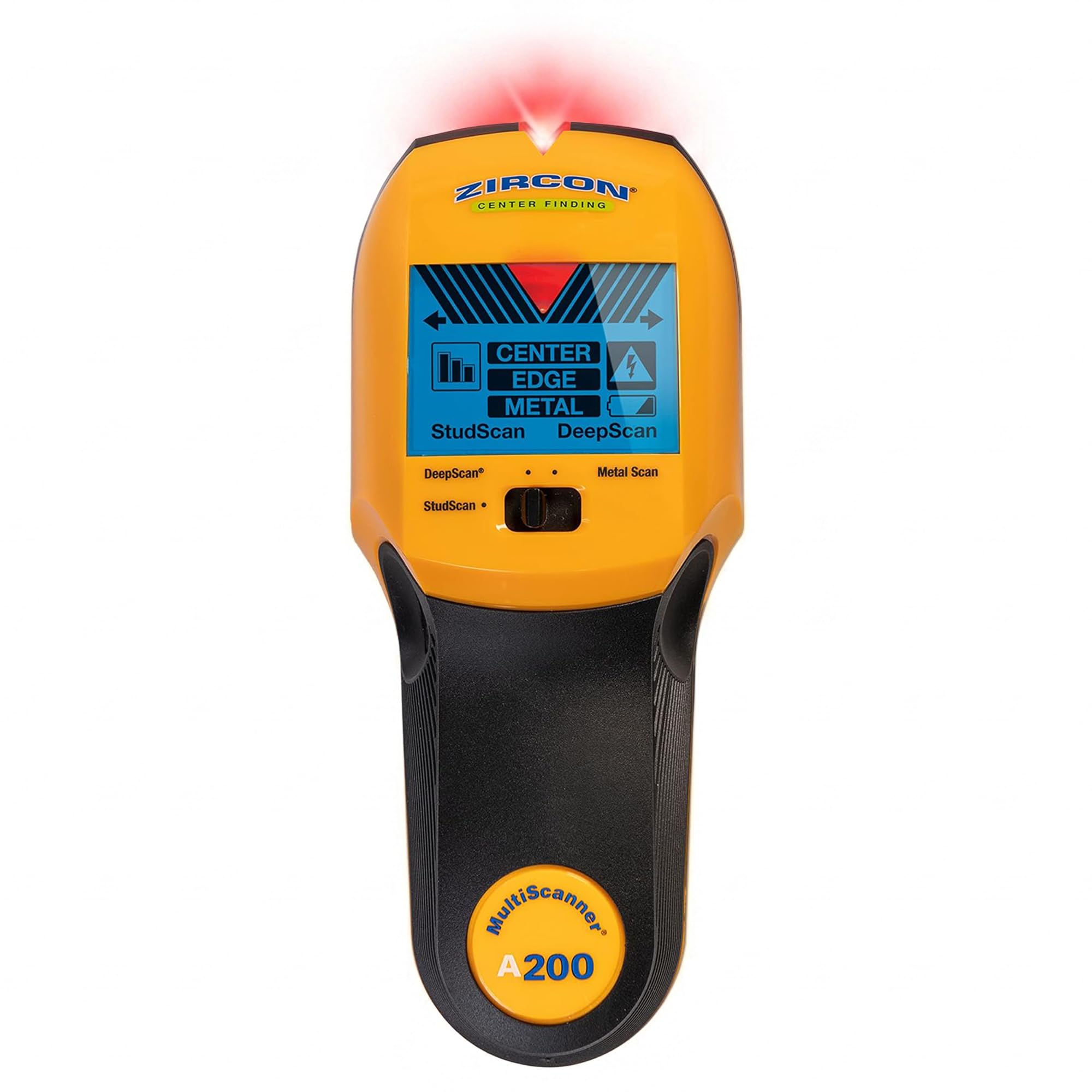
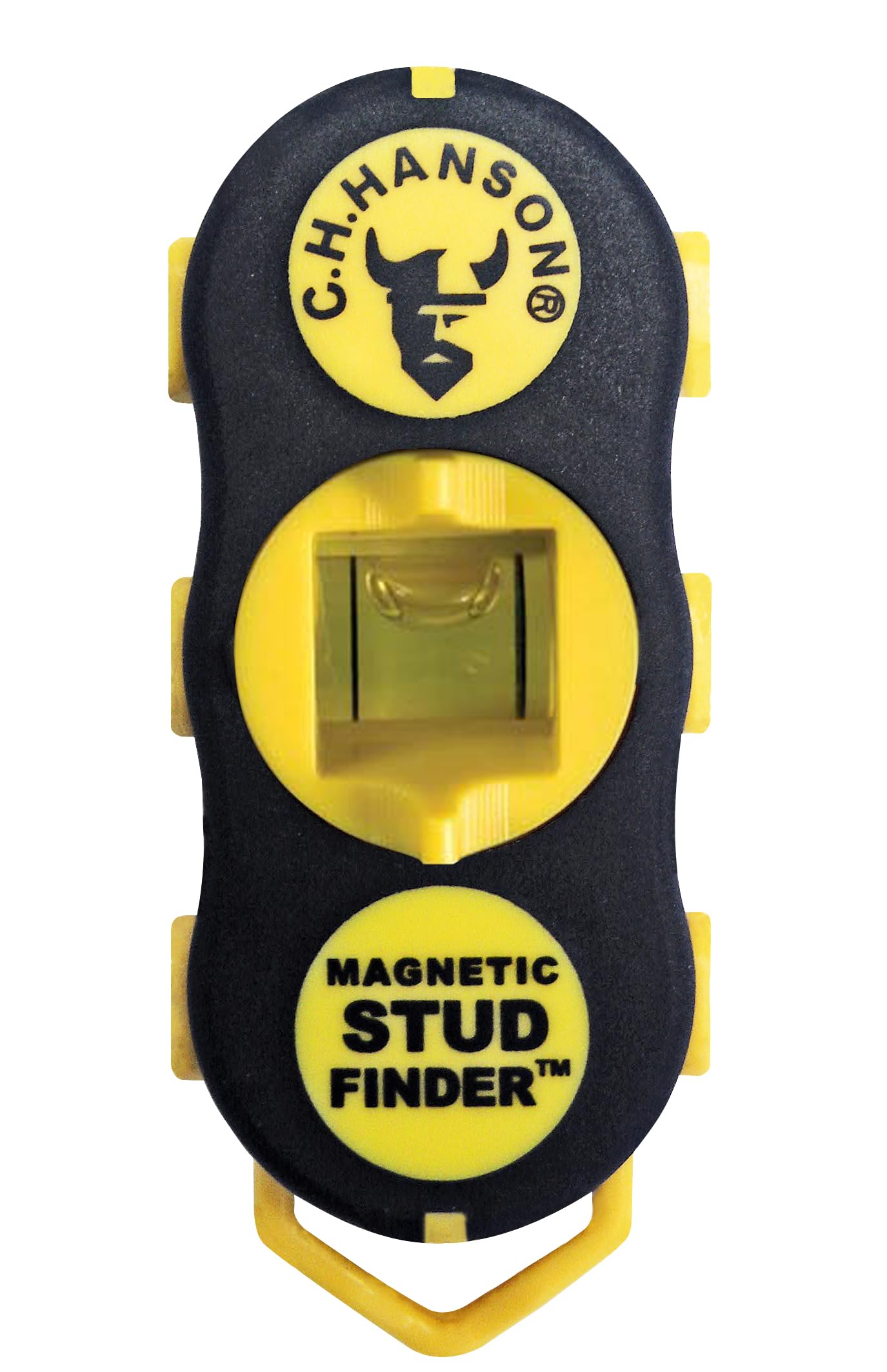
Edge finders mark both sides of a stud. Center finders point to the middle. Multi-sensor models read more signals and can show where the stud is. Magnetic finders find the metal fasteners that hold drywall to a stud. Check the Sensor type column. Studs and joists are normally 16 or 24 in apart, according to the Zircon manual (Zircon manual), which helps you check a result. Because studs are normally 16 or 24 in apart, a result that does not fit that spacing deserves a second check.
Scan depth
Walls vary in thickness, and a finder that scans deeper helps with thick drywall. Check the Scan depth column. For scale, the Zircon manual states that its basic model finds stud edges up to 3/4 in behind the surface, a figure specific to that model (Zircon manual). Compare the same measurement across models.
AC wire warning
Some finders can detect live AC wiring. That is a useful alert, but Zircon says not to rely on the tool alone, and to turn off the electrical, gas and water supplies before penetrating a surface (Zircon manual). Check the AC detection column, and read our guide on how to find a stud for the full routine.
Works on plaster
Zircon says its basic model is not recommended for lath and plaster because plaster thickness is irregular (Zircon manual). If your home has plaster walls, look for a model that says it supports them, or use a magnetic finder that locates fasteners. Check the listing and the manual before you buy.
Display
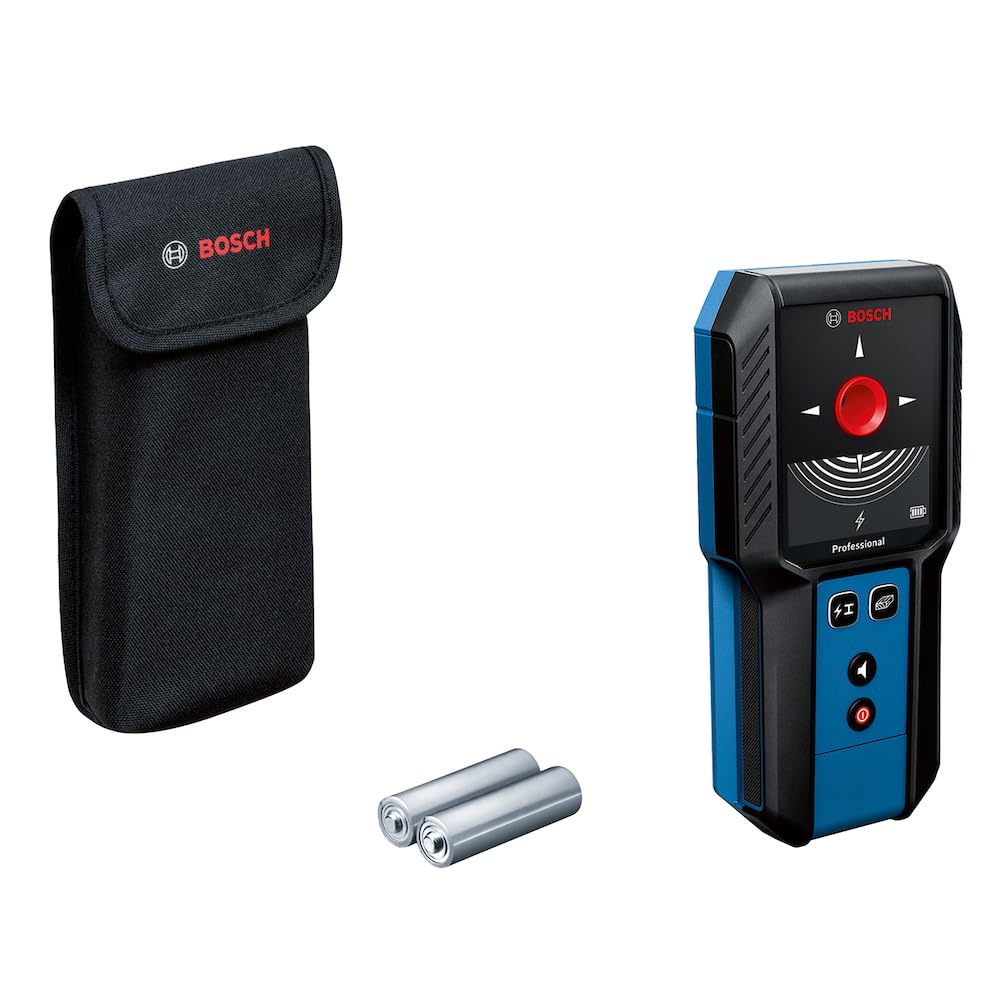
Displays range from a few lights to a screen that shows edges and wires. A clearer display makes it easier to read what the tool found. Check the Display column, and use the scan to mark the wall lightly with pencil before you commit. Whatever the display shows, confirm the result before you drill, as the Zircon manual advises.
Calibration
Calibrating means holding the tool flat on the wall away from a stud while it sets its baseline. The Zircon manual says that if the tool beeps continuously, you started over a stud: turn it off, move over a few inches and start again (Zircon manual).